How-toHardware5 min read
Fake RTX 4090 GPU Scam: How to Spot Relabeled Graphics Cards
Reports of relaser-marked GPUs pretending to be RTX 4090 cards are a reminder that used graphics cards need careful inspection. Here is what to check before buying.
Omer YLD
Founder & Editor-in-Chief
5 min · 817 words
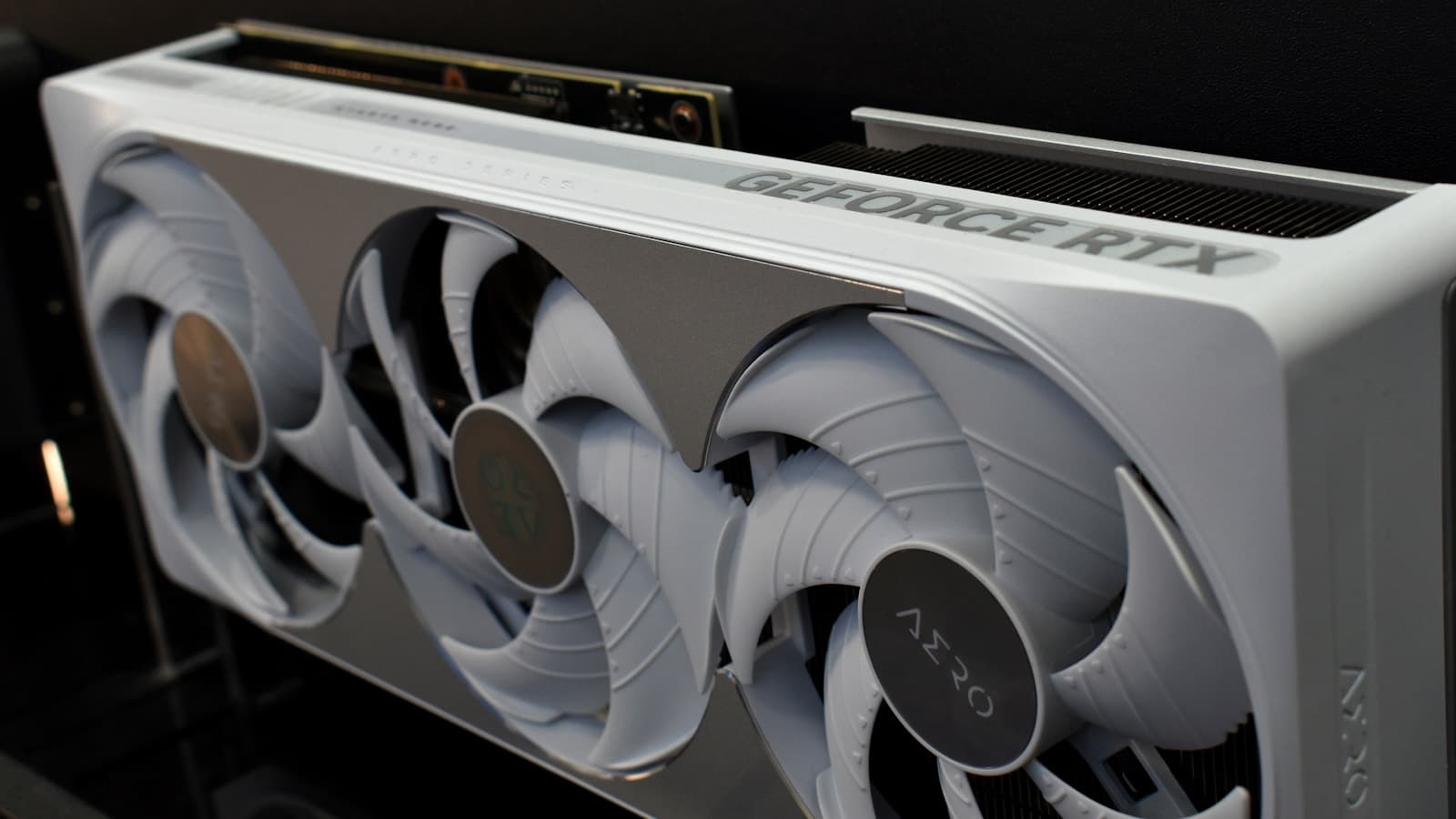
Filed from · IstanbulPhoto · Gavin Phillips / Unsplash
Used GPU buyers have a new reason to be cautious: reports circulating in repair and hardware communities describe scammers relaser-marking graphics cards and memory packages to make lower-tier hardware look like an RTX 4090. The exact techniques vary, but the buyer risk is the same: a card can look expensive in photos and perform nothing like the real thing.
The RTX 4090 remains a desirable used-market target because it is powerful, expensive, and often bought by people who know enough to want one but not enough to inspect every hardware detail. That is the scammer's opening.
Step 01: Demand real photos
Step01
Ask for timestamped photos
Request clear photos of the front, back, power connector, ports, serial label, PCB edge, and a handwritten timestamp with the seller's username.
Stock photos are a red flag. Blurry photos are a red flag. A seller who refuses to photograph the exact card is a red flag.
Compare the cooler, port layout, PCB length, screw positions, and power connector placement against official images of the claimed model. Counterfeit listings often rely on buyers not knowing the physical details.
Step 02: Check software identifiers
Step02
Verify the card in GPU-Z
Ask for a screenshot of GPU-Z showing name, device ID, GPU die, memory type, memory size, bus width, BIOS version, driver version, and PCIe link width.
For an RTX 4090, the numbers should match what a real 4090 reports. Do not accept a screenshot of only the card name. Names can be spoofed more easily than the full hardware profile.
If the seller is local, bring a USB drive with GPU-Z and a benchmark installer. If they will not let you test, walk away.
Step 03: Benchmark before final payment
Step03
Run a known benchmark
Run 3DMark, Unigine Superposition, Blender, or a game benchmark and compare results with published RTX 4090 ranges for the same CPU class.
A fake card can sometimes fake a name. It cannot fake RTX 4090-class performance under load. Watch power draw, clocks, memory usage, temperature, and score.
Be careful with remote screenshots. Screenshots can be edited. A live video showing the card, the benchmark, and the system information is better.
Step 04: Inspect the seller, not just the card
Step04
Check seller history and payment protection
Prefer sellers with long account history, consistent hardware sales, proof of purchase, original box photos, and return protection.
Avoid sellers who push urgency, refuse platform checkout, request crypto, claim they are selling for a relative, or offer a price far below market with a story attached.
Heads up
Too cheap is information
A real RTX 4090 priced dramatically below market is not automatically a bargain. It may be stolen, broken, mined to death, fake, or bait for a payment scam.
Step 05: Know the physical clues
Look closely at:
- Power connector type and placement
- PCB shape and component layout
- Memory package count and position
- Backplate screw pattern
- Video port configuration
- Cooler branding and model number
- Serial label font, spacing, and tamper marks
- Signs of rework, sanding, relabeling, or heat damage
None of these alone proves authenticity. Together, they build confidence.
What to do if you bought a fake
Document everything immediately: listing, messages, payment receipt, photos, serial numbers, GPU-Z screenshots, benchmark results, and packaging. Open a dispute through the platform or payment provider. Do not keep negotiating privately if the seller stalls.
If the card may be stolen or deliberately relabeled, report it to the marketplace. If you paid by card, contact the issuer quickly.
FAQ
Can a fake GPU damage my PC?
Usually the bigger risk is financial loss, but damaged or modified cards can be unstable and may have electrical issues. Use a quality PSU and stop testing if you see smoke, burning smell, or abnormal power behavior.
Are refurbished GPUs safe?
They can be, if sold by a reputable refurbisher with warranty and return rights. Avoid anonymous refurbished listings with no testing proof.
What is the safest way to buy a used high-end GPU?
Buy through a platform with buyer protection, insist on verification, avoid off-platform payment, and test the card immediately after delivery.
The RTX 4090 is expensive enough that scammers will keep trying. Treat a used GPU purchase like a hardware inspection, not a handshake.
— ∎ —
Was this piece worth your five minutes?
Join the conversation — sign in to leave a comment and engage with other readers.
Loading comments...